Hvilken GoDaddy -nettstedbygger har jeg?
GoDaddy tilbyr et par forskjellige måter å bygge et nettsted på, som hver passer for ulike mål og ferdighetsnivåer. Den klassiske Websites + Marketing Nettstedbygger, Airo AI Builder og Airo for WordPress oppretter alle nettsteder, men de fungerer på forskjellige måter og kommer med forskjellige planer.
Her er en rask oversikt over hver enkelt, med flere detaljer lenger nede.
| Klassisk Websites + Marketing Nettstedbygger | Airo AI Builder | Airo for WordPress | |
|---|---|---|---|
| GoDaddy -planen den kommer med | Websites + Marketing | Frittstående produkt (gratisnivå og betalte abonnementer) | Managed Hosting for WordPress |
| Hvordan du redigerer | Start med en mal og utfør manuelle endringer | Samtaler, manuell redigering og redigering på kodenivå | AI -chat fra et sidefelt i WordPress -instrumentbordet, eller manuell redigering i WordPress -redigeringsprogrammet |
| AI -funksjoner | Begrenset, f.eks. Tekstforslag, søkemotoroptimalisering (SEO) | AI -chatpanel | AI -chatpanel |
| Bygger nettapper eller egendefinerte verktøy? | Kun nettsted | Apper og nettsteder | Kun WordPress -nettsteder (nettbutikker støttet med WooCommerce) |
Websites + Marketing klassisk Nettstedbygger
Dette er den opprinnelige redigeringsprogrammet for nettstedet som følger med et Websites + Marketing -abonnement. Du bygger nettstedet ditt fra en mal og legger deretter til og omorganiserer deler ved hjelp av et manuelt redigeringsgrensesnitt. Noen AI-drevne funksjoner, som tekstforslag og søkemotoroptimalisering (SEO), er tilgjengelige steder i redigeringsprogrammet.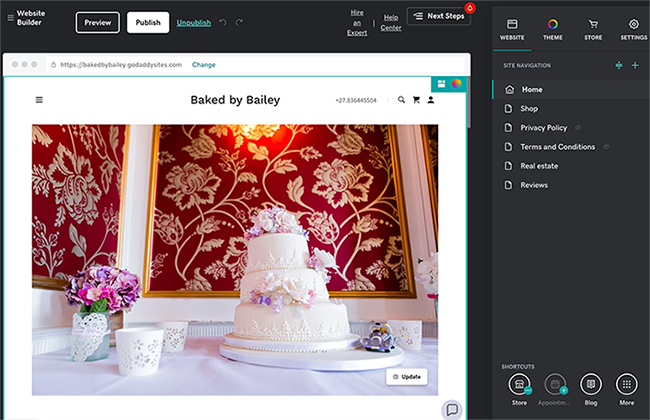
Airo AI Builder
Airo AI Builder er designet for gründere, utviklere og kreative byggere som ønsker å lage nettsteder, nettapper, spill eller nettbutikker ved å beskrive hva de ønsker i en samtale. Det gir mer tilpasning og kontroll på kodenivå.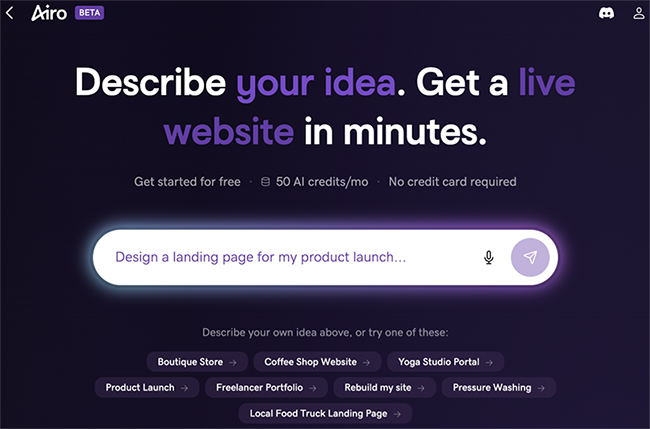
Airo for WordPress
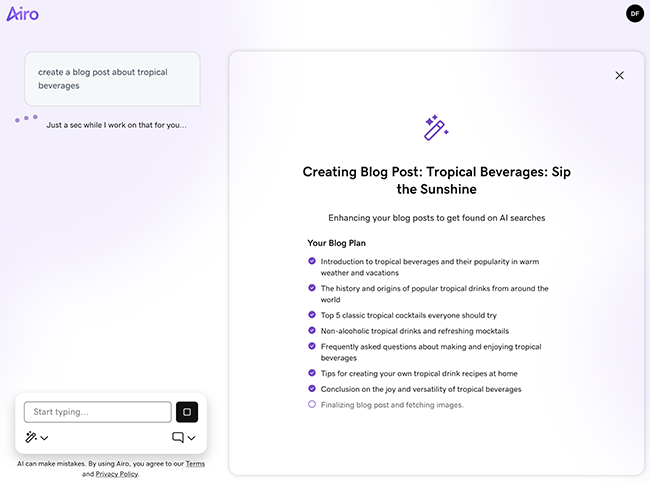
Airo for WordPress er inkludert i Managed Hosting for WordPress -hostingplanene. Du beskriver virksomheten og målene dine i en samtale, og Airo bygger et komplett WordPress -nettsted på få minutter. Etter at nettstedet ditt er live, kan du fortsette å redigere det ved å chatte med Airo direkte i WordPress -instrumentbordet eller ved å bruke WordPress -redigeringsprogrammet. Det er et godt alternativ hvis du vil ha et WordPress -nettsted med fleksibilitet til å legge til plugin -moduler eller selge med WooCommerce.