Turn on auto-renew for my domain
Turn on auto-renew for your domains registered with GoDaddy to automatically renew your domain before it expires. We'll use the associated payment method to renew your domains on your behalf.
Note: You can cancel domain renewals from the Renewals and Billing page of your account.
- Logg på GoDaddy-domeneporteføljen. (Trenger du hjelp med å logge på? Finn brukernavnet eller passordet ditt.)
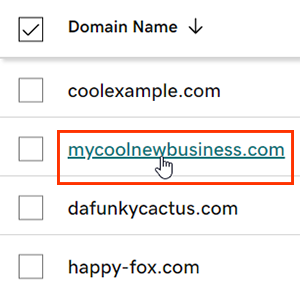
- Velg et enkelt domene for å få tilgang til Domeneinnstillinger -siden.
- Next to Auto-renew in the Renew section, switch the toggle to On.
- Select Continue to confirm your consent to automatic billing.
- Domener med Domain Protection krever identitetsbekreftelse for å fullføre visse handlinger. Hvis du har hatt totrinnsverifisering (2SV) aktivert i minst 24 timer, skriver du inn koden vi sendte via SMS, eller skriver inn koden fra autentiseringsappen din. Ellers angir du engangspassordet vi sendte til e-postadressen på GoDaddy-kontoen din.
Det kan ta opptil 90 minutter før endringene dine vises i kontoen din.
Relatert trinn
- Review your payment methods to avoid problems when we attempt to automatically renew your domain.
Mer informasjon
- Konfigurer totrinnsverifisering for best sikkerhet på domenene og kontoen din.
- Safeguard your domain with Domain Protection and prevent issues like accidental expiration and unauthorized domain actions.